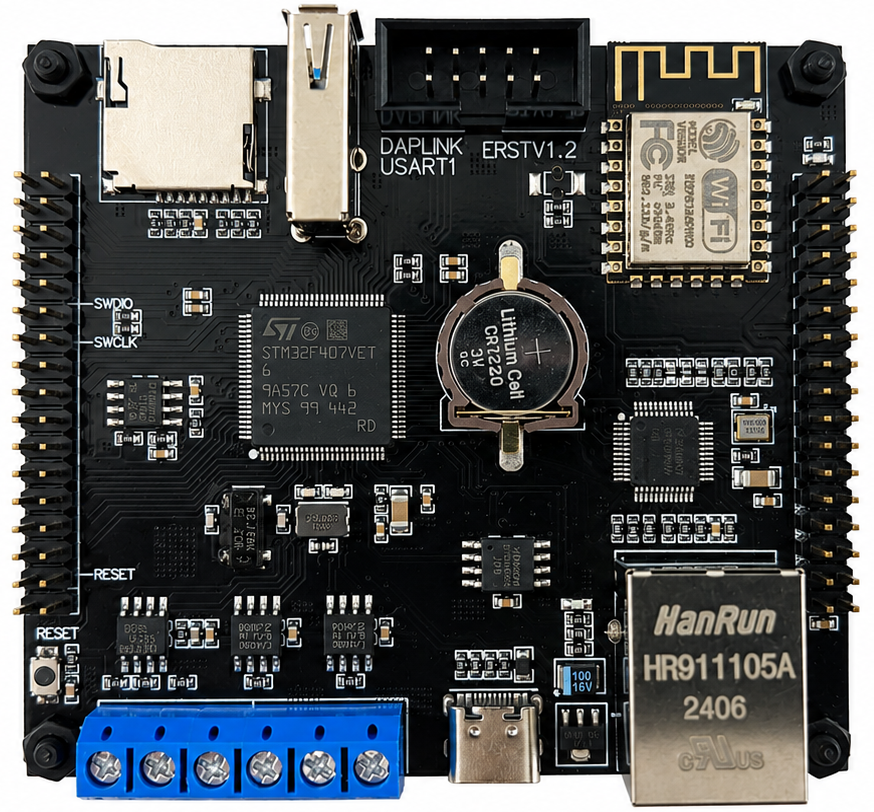
### STM32F407VET6 Dev Board
STM32F407VET6 (LQFP100)
- CPU: 168MHz
- Flash: 512KB
- SRAM: 192KB
 ### STM32F4DISCOVERY Discovery Board
STM32F407VGT6 (LQFP100)
- CPU: 168MHz
- Flash: 1MB
- SRAM: 192KB
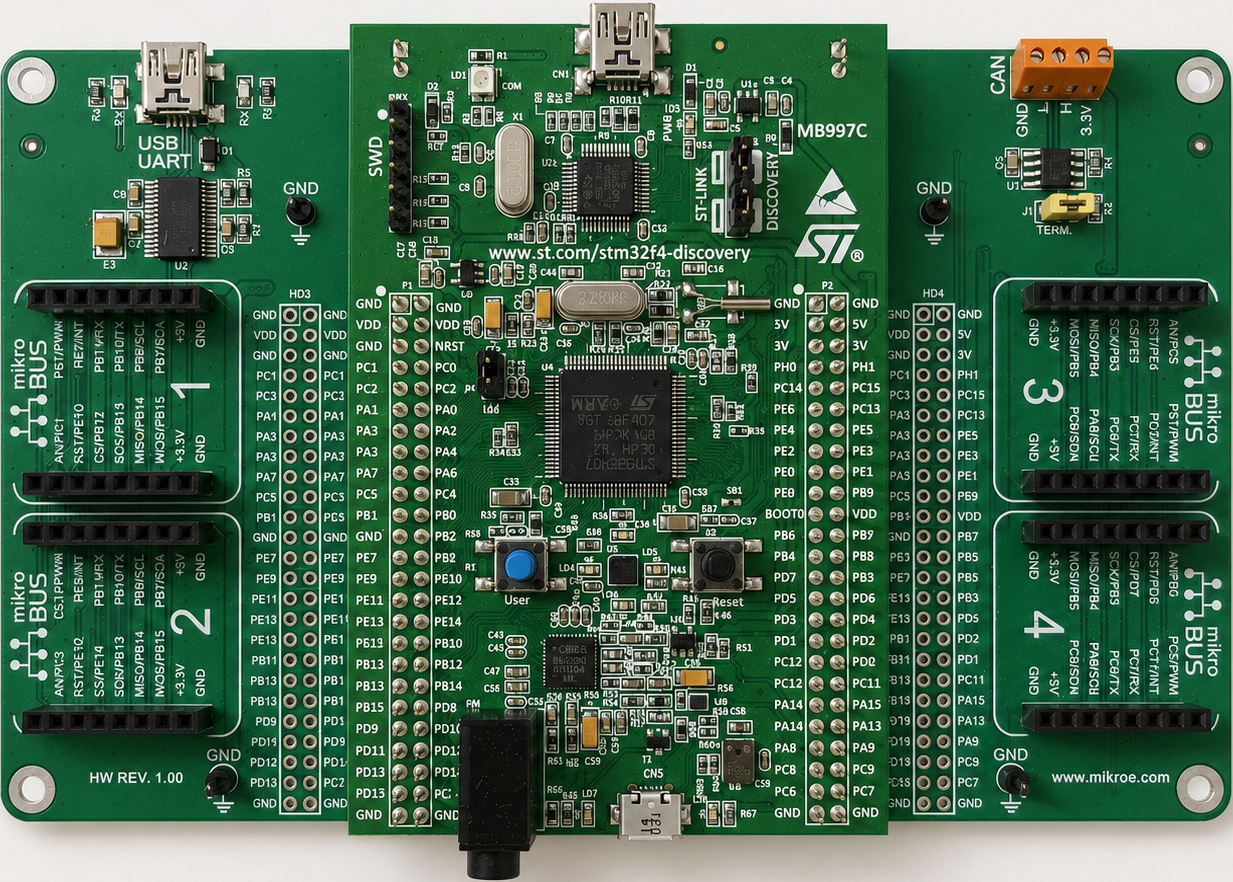
### STM32F4DISCOVERY Discovery Board
STM32F407VGT6 (LQFP100)
- CPU: 168MHz
- Flash: 1MB
- SRAM: 192KB
 ## Workspace setup
This repository contains the STM32 applications and the west manifest. Zephyr,
its modules, bootloaders, and tools are downloaded separately by west.
### Prerequisites
Install Git and Python 3, then create an empty workspace directory.
### Clone and initialize
Run these commands from the empty workspace directory:
```powershell
git clone ssh://git@gitea.cuihang1201.synology.me:2222/hangpersonal/STM32_Zephyr_RTOS.git
cd STM32_Zephyr_RTOS
py -3.12 -m venv .venv
.\.venv\Scripts\Activate.ps1
python.exe -m pip install --upgrade pip
pip install west
west --version
west init --mr v4.4.2 .
west update
west zephyr-export
west packages pip --install
west sdk install
```
The resulting workspace layout is:
```text
workspace/
|-- .west/
|-- .venv/
|-- zephyr/
|-- modules/
|-- bootloader/
|-- tools/
|-- apps/
|-- build/
```
#### Project: kconfig_hello
Run these commands from the workspace root:
```powershell
$board = "stm32f4_disco"
west build -p always `
-s apps\kconfig_hello `
-d build\kconfig_hello `
-b $board
west flash -d build\kconfig_hello
```
## Workspace setup
This repository contains the STM32 applications and the west manifest. Zephyr,
its modules, bootloaders, and tools are downloaded separately by west.
### Prerequisites
Install Git and Python 3, then create an empty workspace directory.
### Clone and initialize
Run these commands from the empty workspace directory:
```powershell
git clone ssh://git@gitea.cuihang1201.synology.me:2222/hangpersonal/STM32_Zephyr_RTOS.git
cd STM32_Zephyr_RTOS
py -3.12 -m venv .venv
.\.venv\Scripts\Activate.ps1
python.exe -m pip install --upgrade pip
pip install west
west --version
west init --mr v4.4.2 .
west update
west zephyr-export
west packages pip --install
west sdk install
```
The resulting workspace layout is:
```text
workspace/
|-- .west/
|-- .venv/
|-- zephyr/
|-- modules/
|-- bootloader/
|-- tools/
|-- apps/
|-- build/
```
#### Project: kconfig_hello
Run these commands from the workspace root:
```powershell
$board = "stm32f4_disco"
west build -p always `
-s apps\kconfig_hello `
-d build\kconfig_hello `
-b $board
west flash -d build\kconfig_hello
```